 Deutsch
 Eesti
Eesti Hrvatski
 Italiano
 Latviešu
 Lietuviškai
 Magyar
 Polski
 Română
 Slovenčina
 Slovenščina
 Čeština
Where to Download PNP XPS BIM Objects
PNP XPS BIM objects are hosted in the PNP XPS documentation library. Navigate to pnpinsulation.com/documentation/ and look for the PNP BIM Libraries entry (last updated 2025-02-24). All available BIM objects for PNP XPS products are collected there in a single download area.
If you cannot locate a specific product object or format, contact the PNP XPS technical team at pnpinsulation.com/contact/ or by e-mail at sales@pnpinsulation.com before substituting a generic placeholder in your model.
What BIM Objects Are Provided
The BIM Libraries package covers the PNP XPS product range manufactured at the Várpalota plant and supplied across Central and Eastern Europe. Products in the range include:
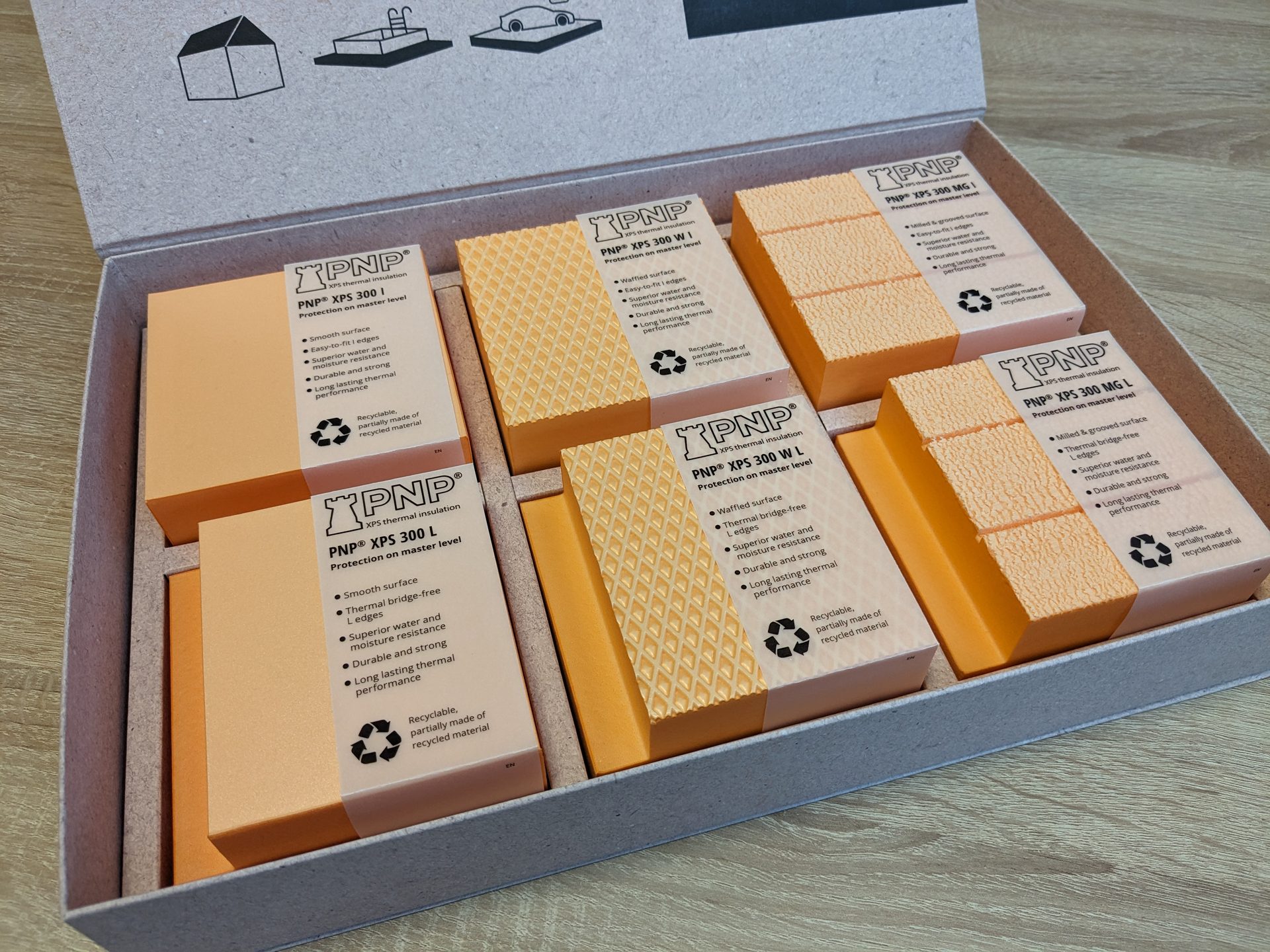
XPS 300 — structural foundation and flooring insulation, 300 kPa
XPS 300 W — waffled-surface structural insulation, 300 kPa
XPS 500 — industrial and high-compression insulation, 500 kPa
XPS 700 — extreme-load civil engineering insulation, 700 kPa
XPS 300 SLOPE — factory-tapered roof drainage insulation
XPS 150 SLOPE — factory-tapered roof drainage insulation, 150 kPa
XPS 150 W X-Grip — waffled-surface insulation optimised for adhesion
Coverage of individual SKUs within the BIM Libraries package should be confirmed in the library documentation itself; see the current TDS for each product where BIM object availability is not explicitly listed.
Key Product Data Encoded in the BIM Objects
Each BIM object is intended to carry the declared performance values from the corresponding Declaration of Performance (DoP) and technical data sheet (TDS), conforming to EN 13164:2012+A1:2015. Typical attributes embedded in a PNP XPS object include:
λD (declared thermal conductivity, W/(m·K))
RD (declared thermal resistance, m²·K/W) — thickness-dependent
Compressive strength class, e.g. CS(10\Y)300 = 300 kPa
Board dimensions: 1 250 × 600 mm nominal, thickness range per product
Surface type: smooth, waffled (W / X-Grip), or milled and grooved (MG)
Reaction to fire Euroclass (E or F depending on product)
EN 13164 product designation string
Always cross-check the values in your BIM object against the current TDS and DoP available at pnpinsulation.com/documentation/ before issuing construction documents. Declared values may be updated when a new TDS is published.
How to Use PNP XPS BIM Objects in Your Project
The general workflow for integrating PNP XPS BIM objects is:
Download the BIM Libraries package from pnpinsulation.com/documentation/.
Load the relevant product family into your BIM authoring tool and select the correct thickness for your design layer.
Assign the object to the appropriate layer in your wall, floor, roof or foundation assembly.
Verify that the λD value and compressive strength class in the object match the current TDS for that product. Where the object shows a thickness outside the tested range, write "see the current TDS" in your model notes.
Reference the DoP number in your specification to establish CE marking traceability under CPR 305/2011.
Thermal calculations, load assessments, dew-point analysis, and fire-performance compliance require input from a qualified designer. The BIM object provides product identity and declared physical properties — it does not replace engineering judgement or country-specific design standards.
Supporting Documents to Use Alongside BIM Objects
For complete specification and compliance, use the BIM object together with:
TDS (technical data sheet) — full declared values, packaging data, and installation guidance per product
DoP (Declaration of Performance) — CE marking data under CPR 305/2011, EN 13164:2012+A1:2015
EPD — EPD — PNP XPS (Várpalota plant), updated 2025-03-19, for environmental product declaration data per EN 15804
All three document types are available at pnpinsulation.com/documentation/.
Sources
PNP BIM Libraries (general document, updated 2025-02-24)
EPD — PNP XPS (Várpalota plant), updated 2025-03-19
EN 13164:2012+A1:2015 — Thermal insulation products for buildings — Factory made extruded polystyrene foam (XPS) products
CPR 305/2011 — EU Construction Products Regulation (DoP framework)
EN 15804 — Sustainability of construction works — EPD core rules
PNP XPS product TDS and DoP files as listed per individual SKU in the documentation library at /documentation/